![Follow election results live on iPhone or iPad Lock Screen [Updated]](https://www.cultofmac.com/wp-content/uploads/2024/11/Live-election-results-Apple-News.jpg "Follow election results live on iPhone or iPad Lock Screen [Updated]")
Apple News makes it easy to stay on top of the latest election results. Photo: Meadow ...
 yemmit
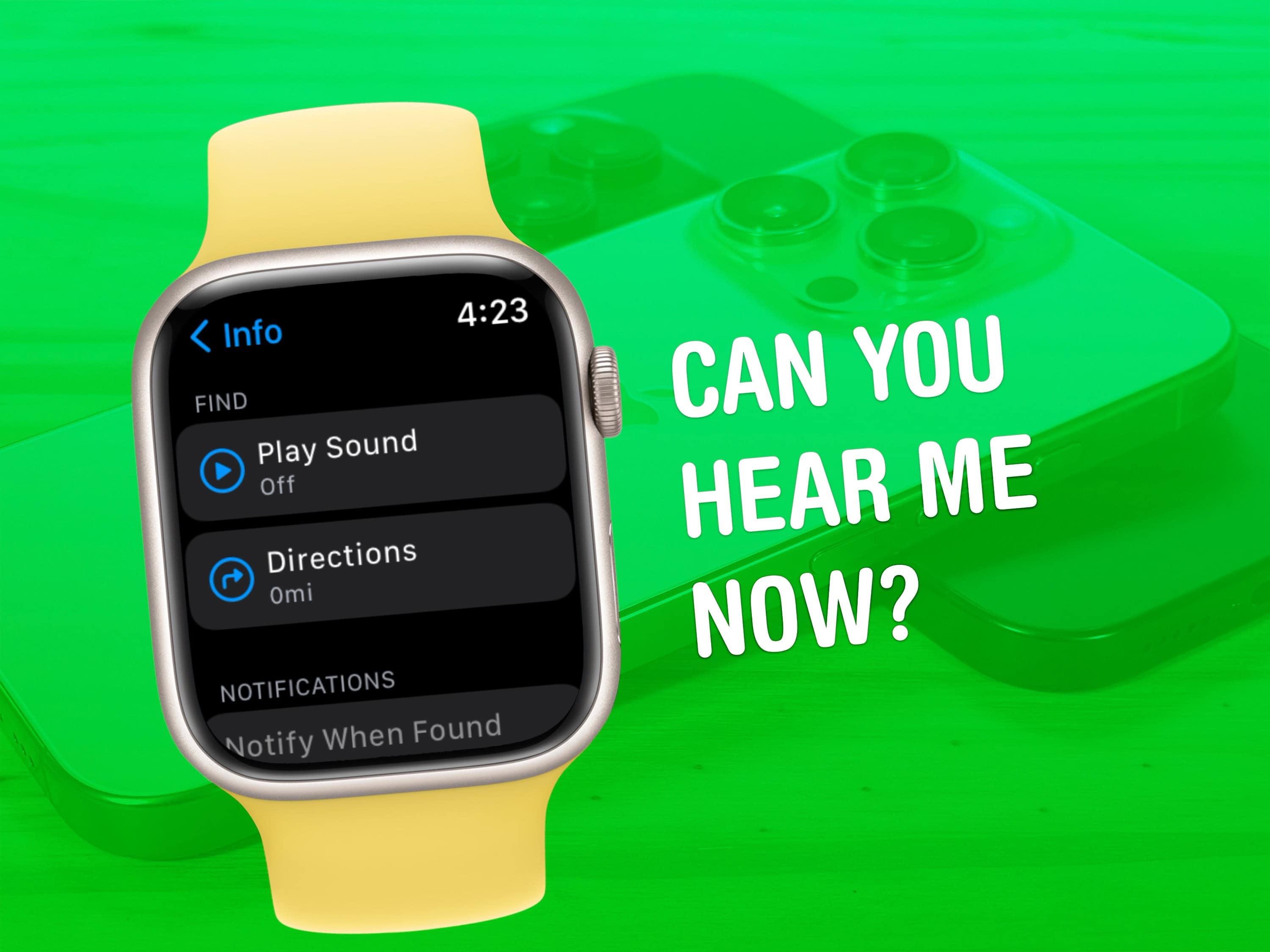
Everyone misplaces their iPhone.* You’re walking around, you set down your iPhone, you do some chores, you get ready to go. Where is it? If you own an ...
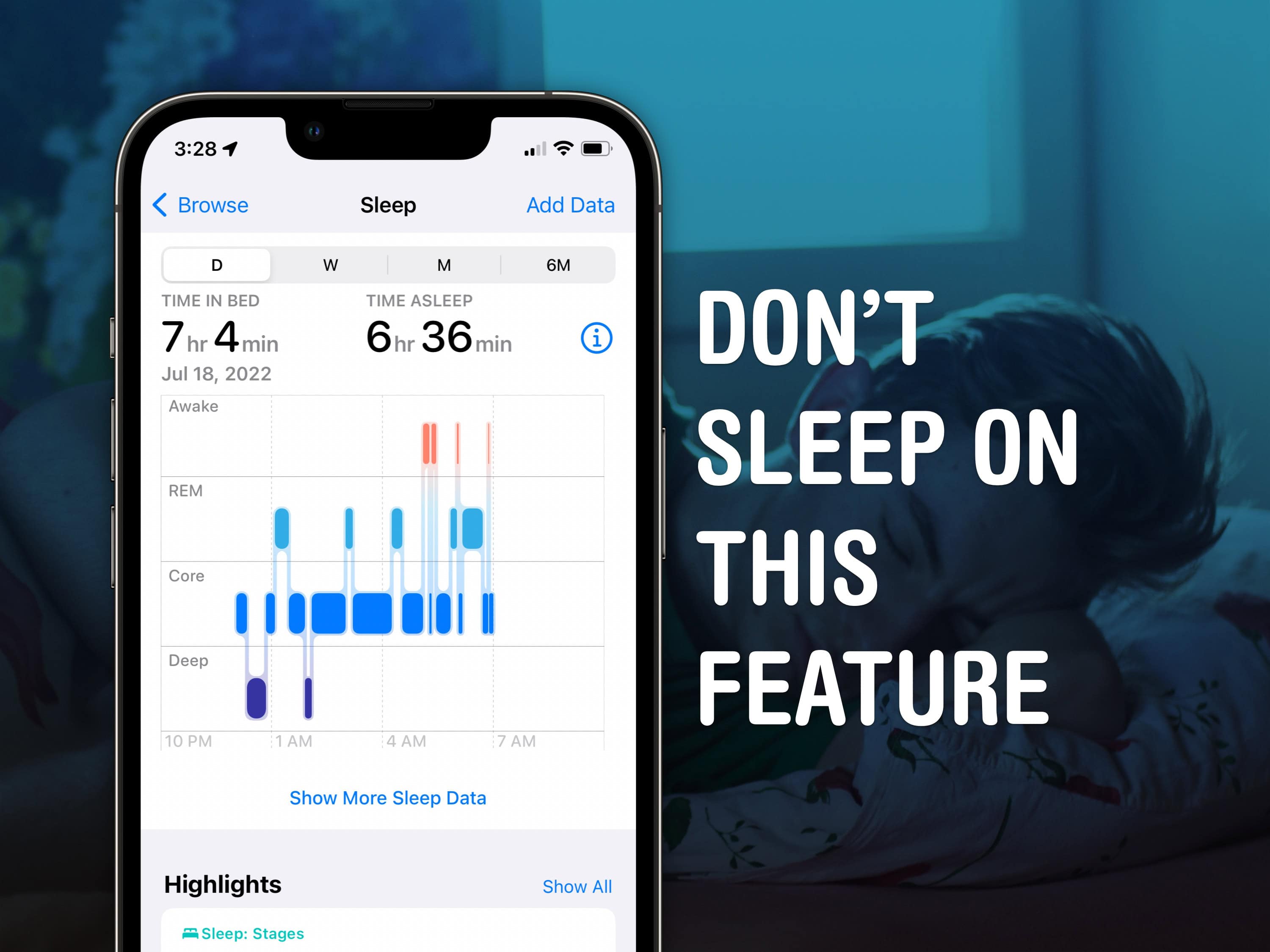
Apple Watch sleep stage tracking might help you get to the bottom of what’s going on with your sleep. Ever since watchOS 9, it can track what sleep ...
Your HomePod is a lot more than a simple speaker — it’s a whole computer. And like any computer it has an operating system that needs occasional ...
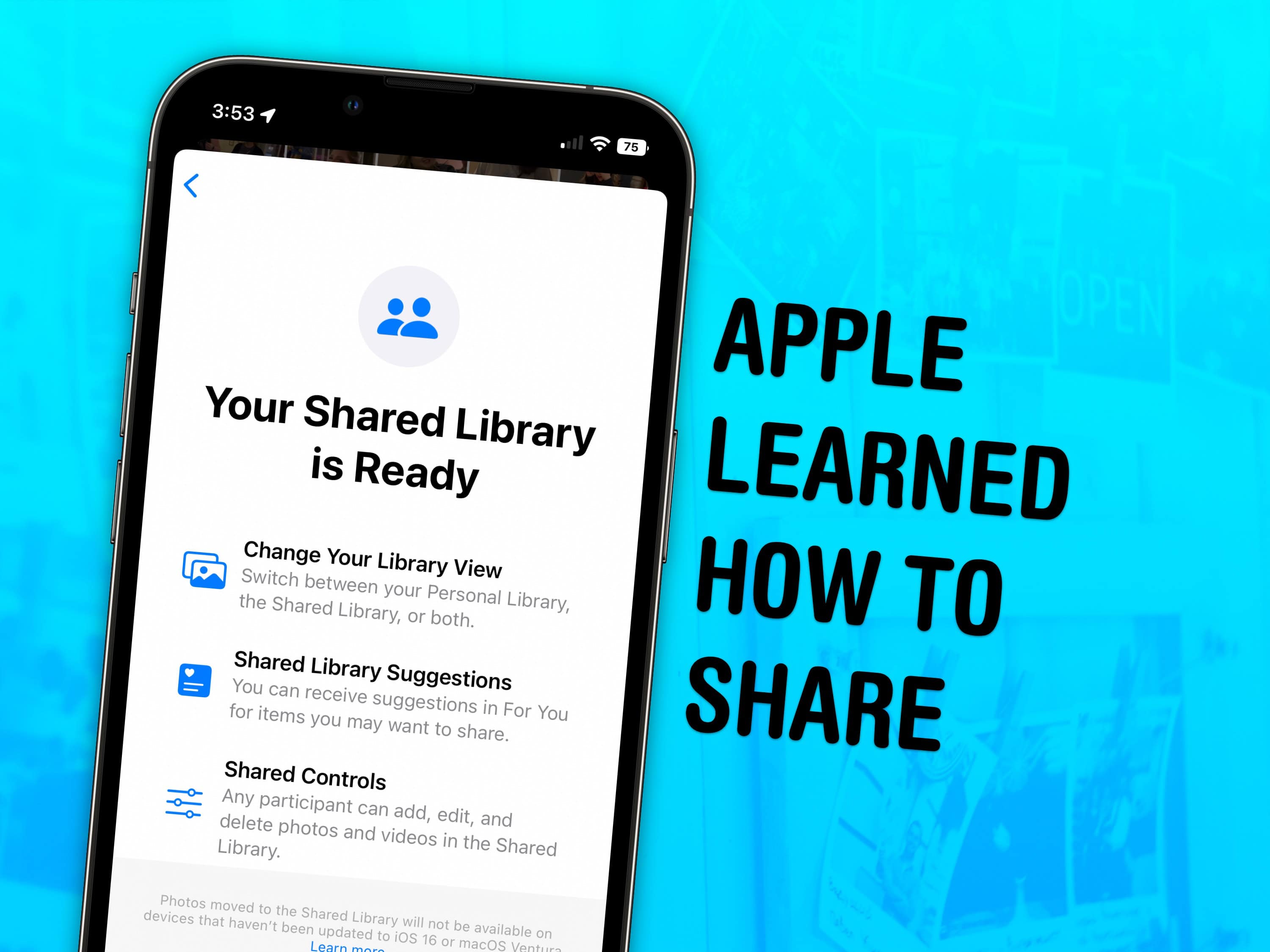
Skip the hassle of manually sending your family all the vacation photos — enable a shared iCloud Photo library instead. Everyone in your family ...
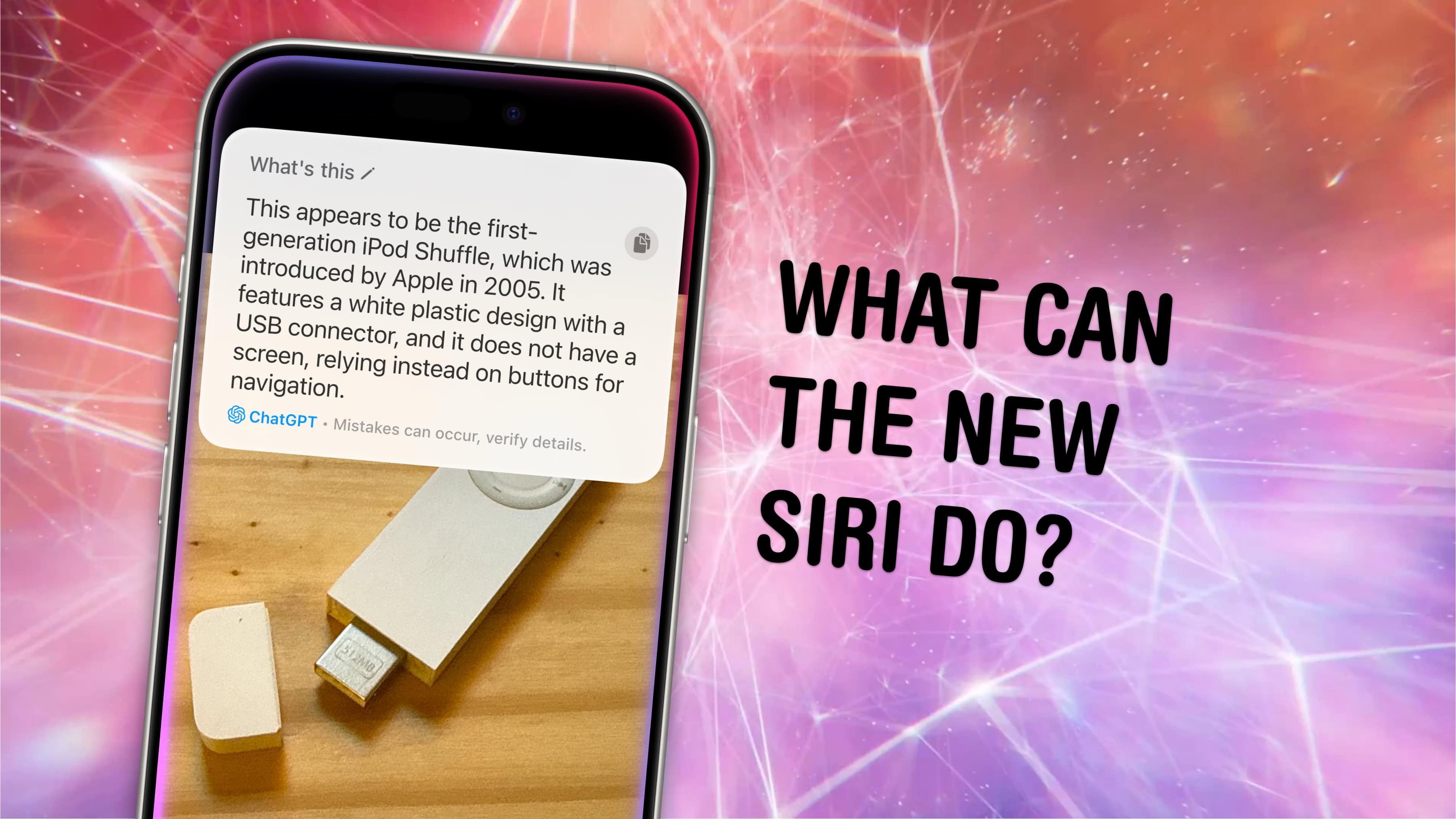
Apple Intelligence brings the long-awaited new Siri … but not quite yet. The Siri improvements so far include extensive knowledge of Apple products, ...
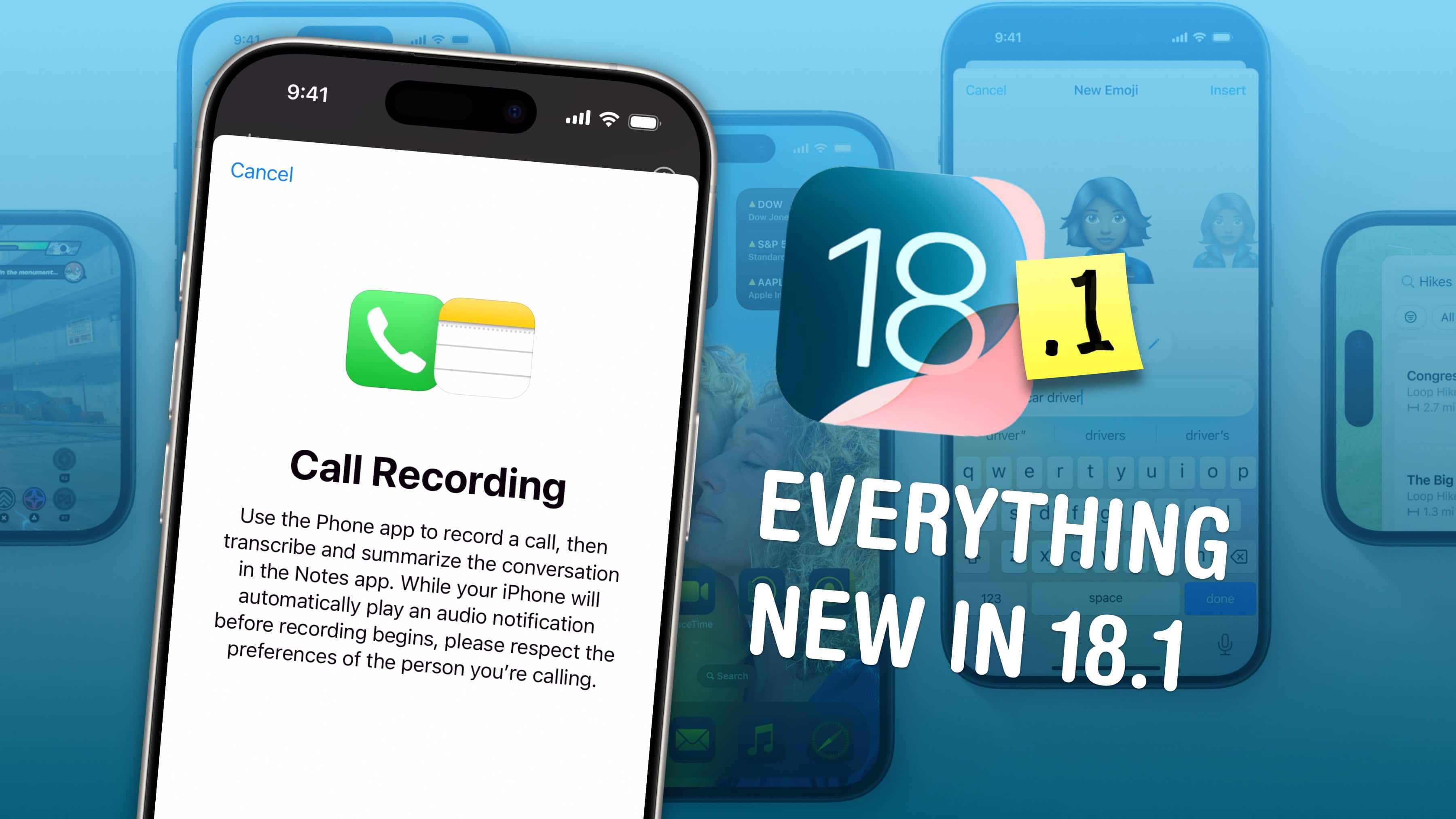
iOS 18.1 comes with a veritable boatload of big new features. The update, which is out now, brings Apple Intelligence, hearing aid support for AirPods, ...
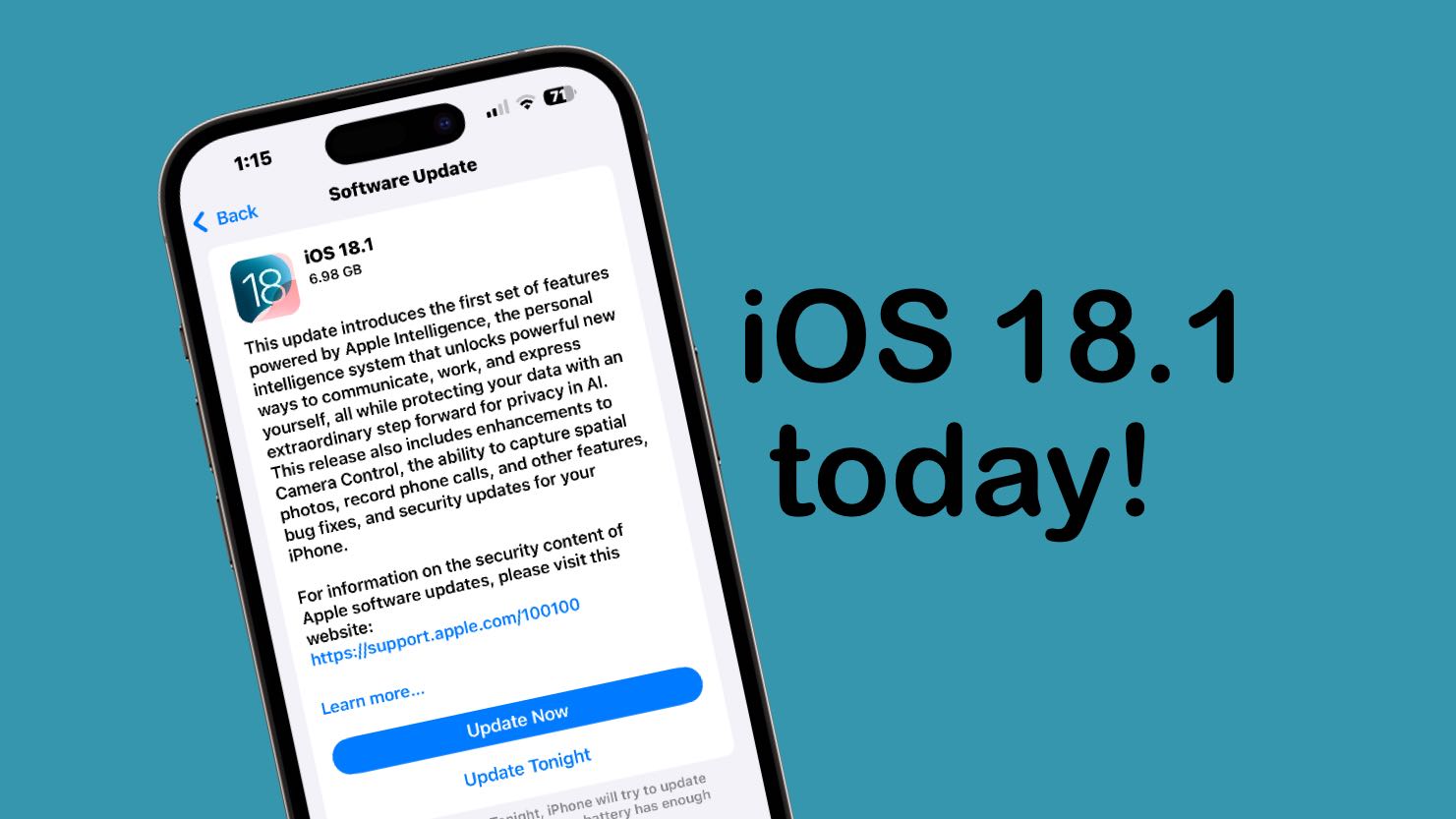
iOS 18.1 will go out to iPhones everywhere next week, but you don’t need to wait. It’s possible to go ahead and install the final version this weekend ...
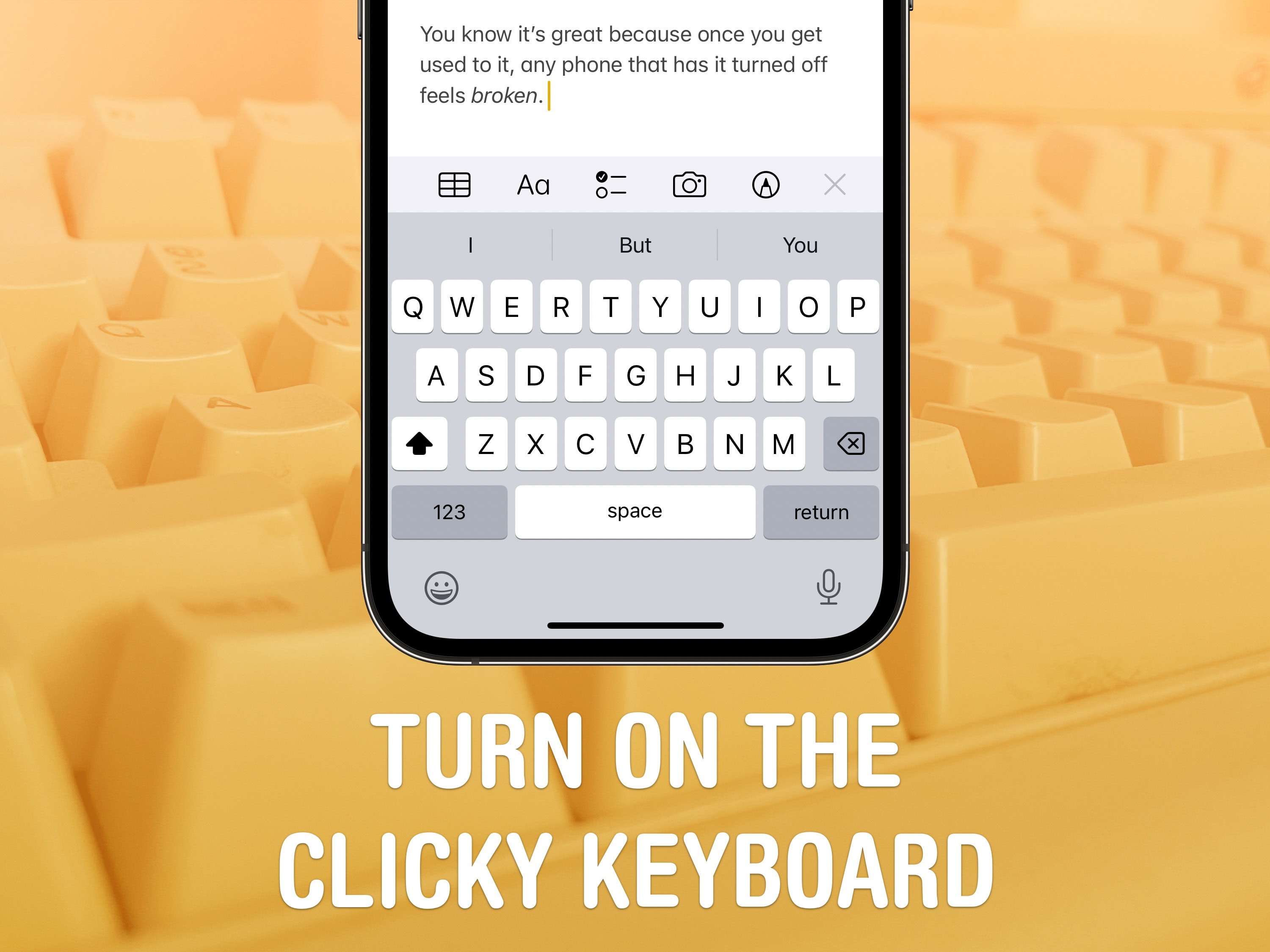
Studies show that a haptic keyboard improves touchscreen typing speed and input accuracy, but very few people know you can enable it on your iPhone. ...
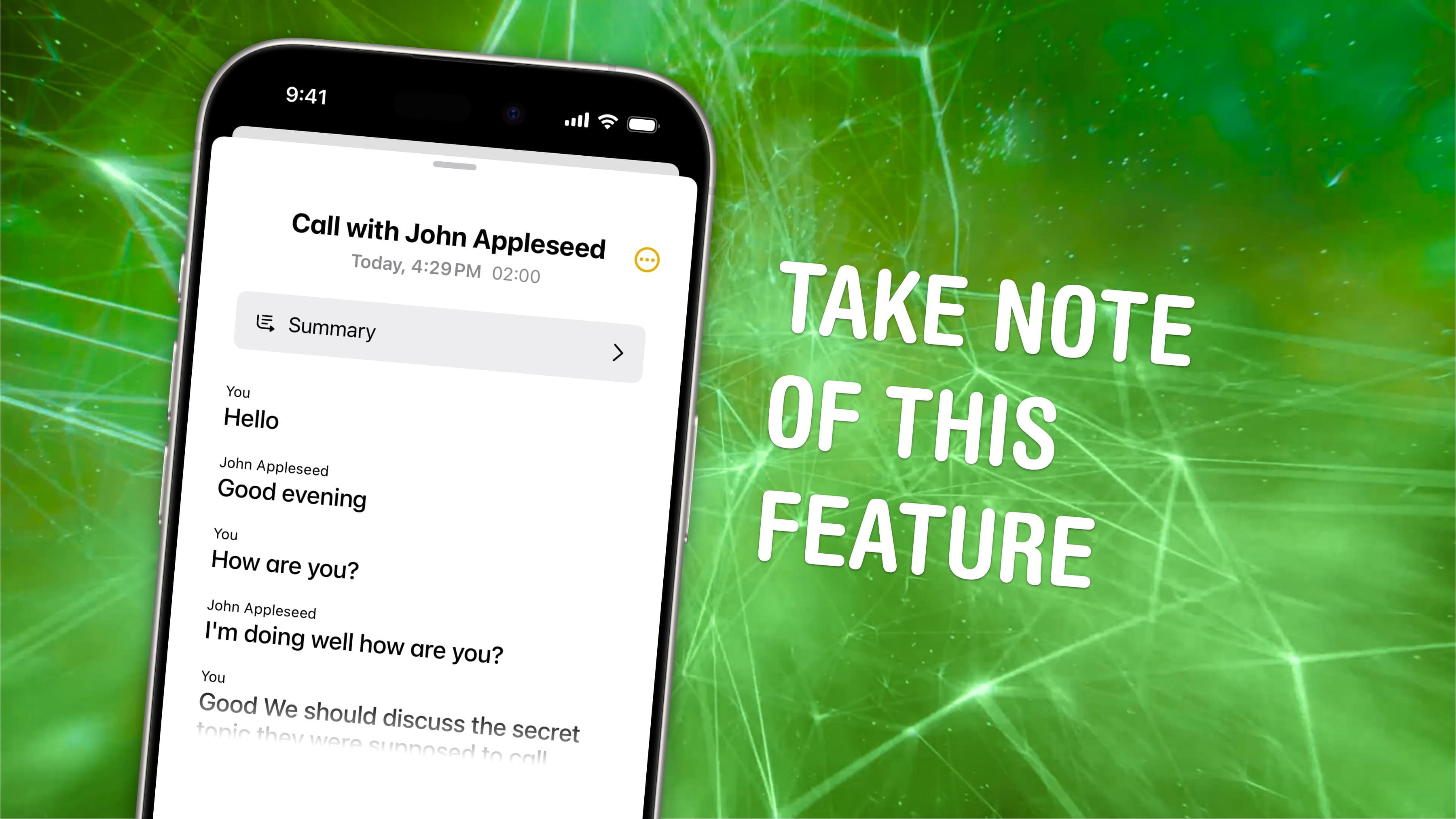
It’s only taken 17 years, but iPhone call recording is finally here. In iOS 18.1, you can record a phone call on your iPhone for future reference. If ...
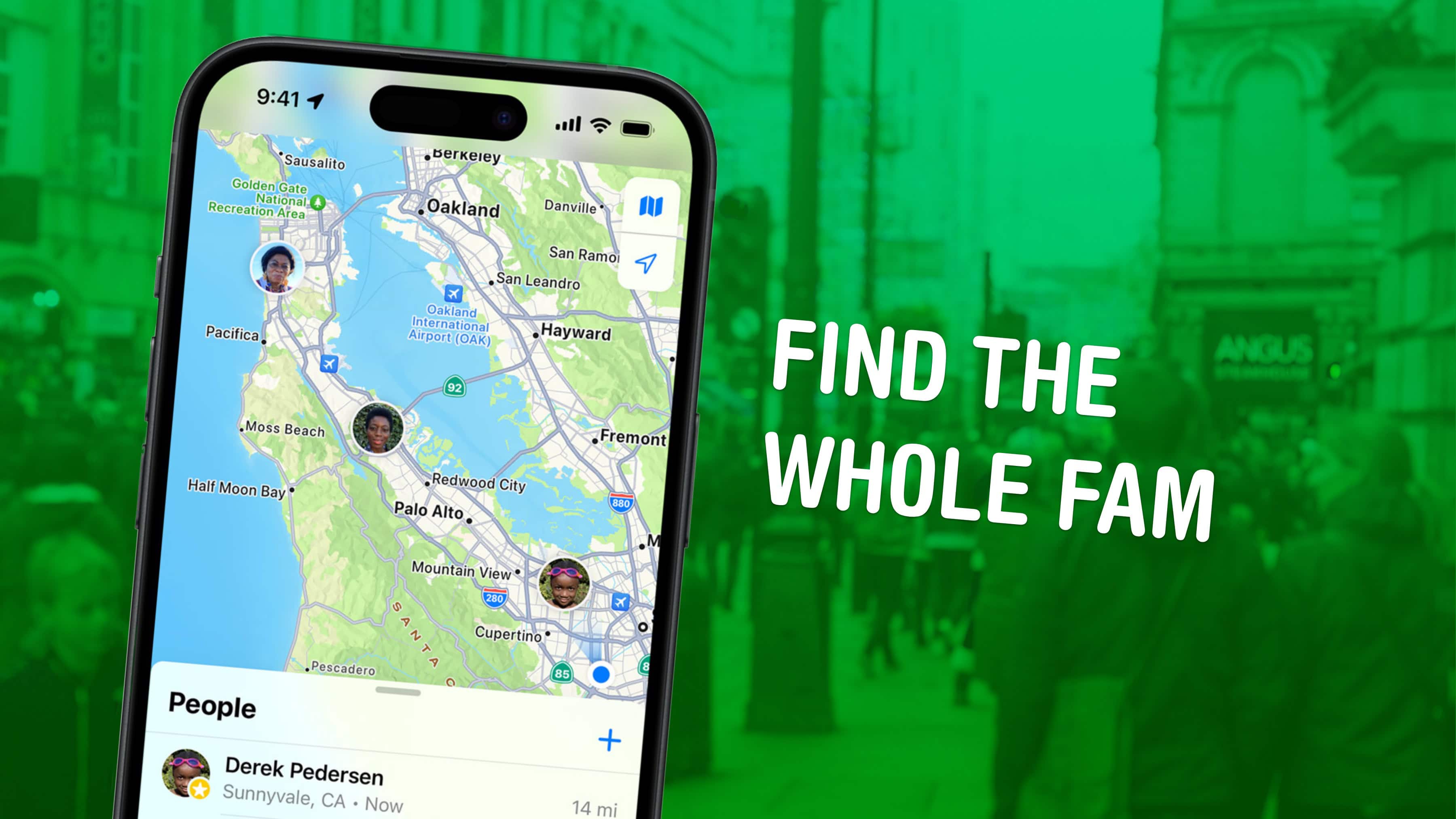
Location sharing is a highly versatile and useful feature of iOS. When you’re trying to meet up with someone, traveling in a new place or spending a ...
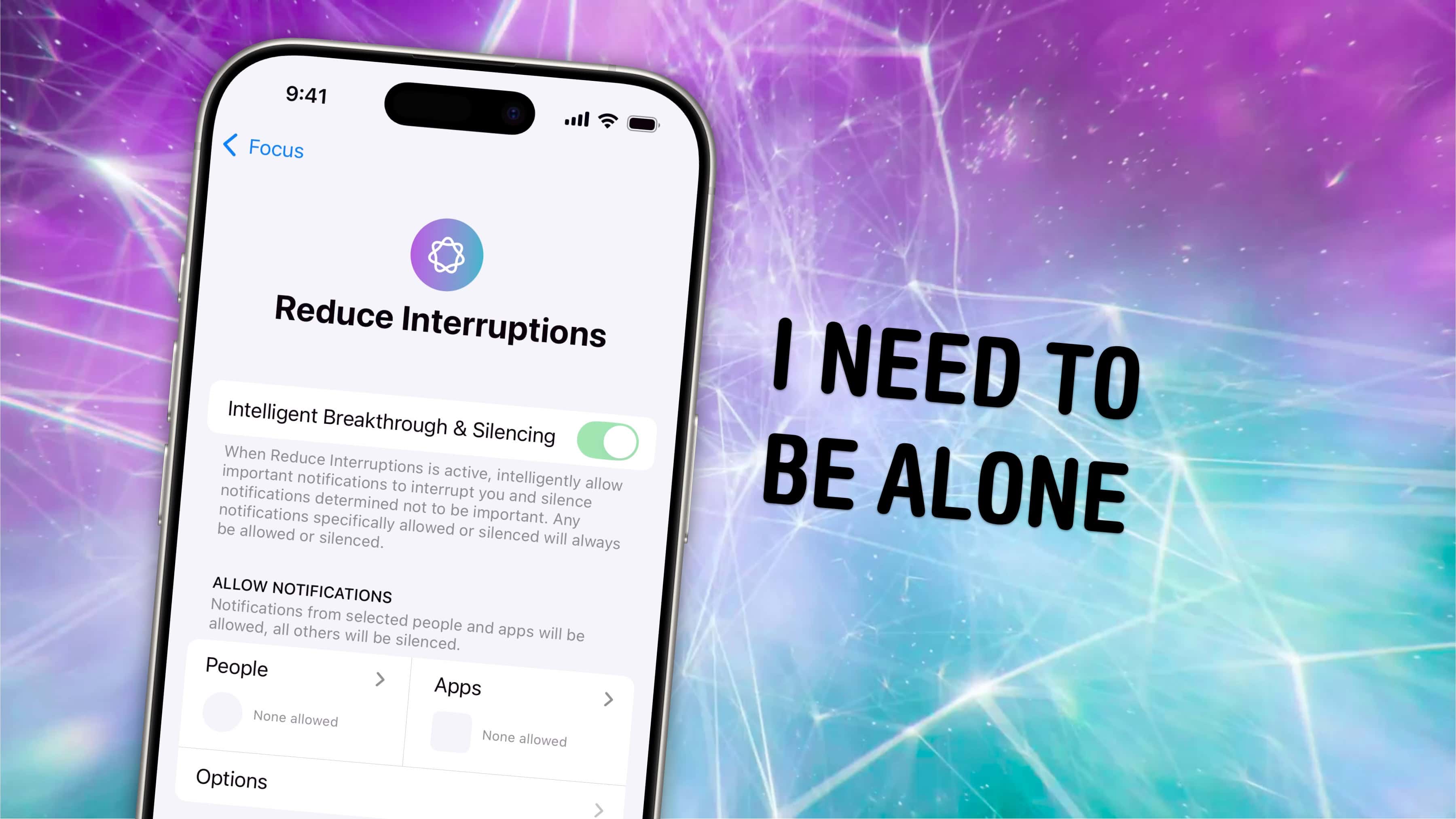
Reduce Interruptions is a new Focus in iOS 18 that judges on the fly which notifications seem important, using Apple Intelligence. Setting up a Focus ...

