When it comes to upgrading or purchasing a new computer, one of the most frequent questions that pops up is how much RAM is necessary. Is 8GB enough, or is it worth jumping to 16GB? For the everyday user, students, remote workers, and small business owners, this decision can significantly impact both performance and budget. In this article, we’ll dive into a real-world test comparing 8GB and 16GB of RAM to help you make an informed decision.
Understanding RAM and Its Importance
TL;DR: When it comes to upgrading or purchasing a new computer, one of the most frequent questions that pops up is how much RAM is necessary. Is 8GB enough, or is it worth jumping to 16GB? For the everyday user, students, re…
Table of Contents
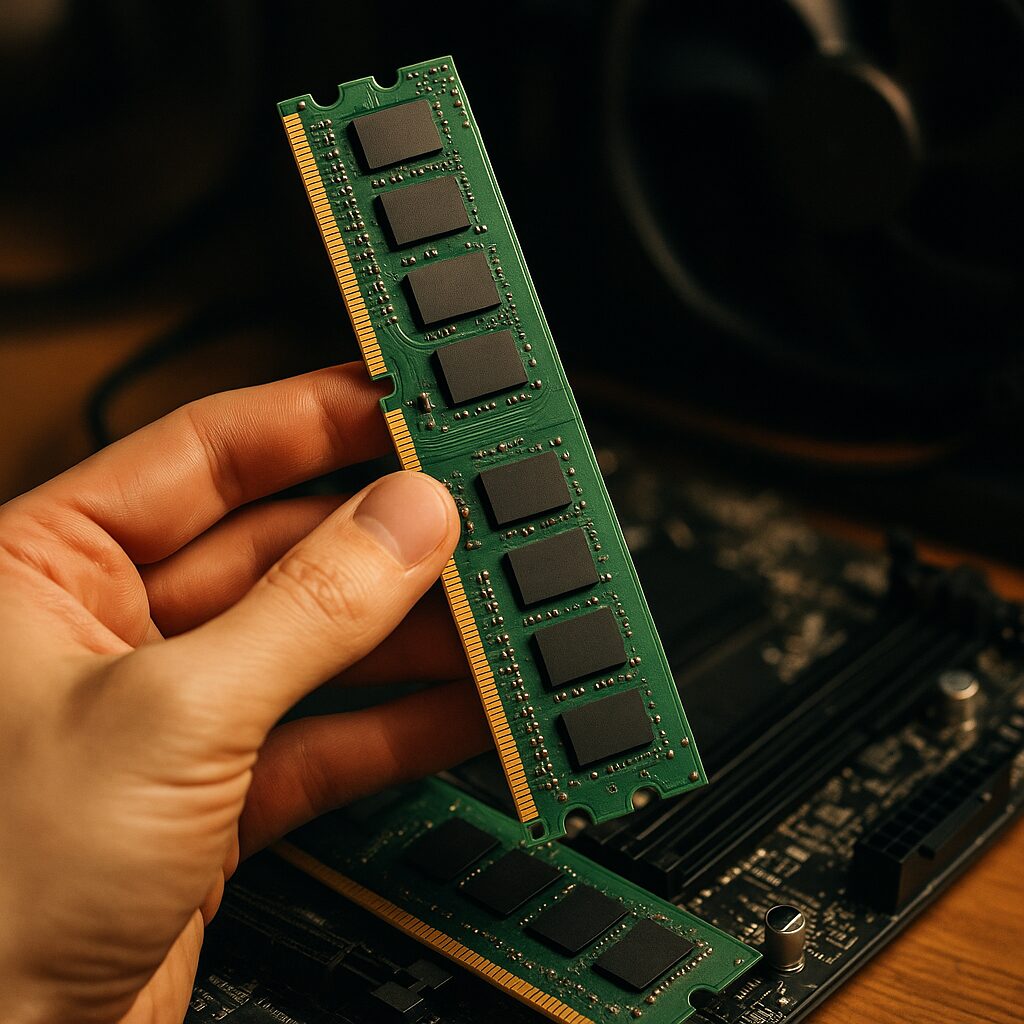
Before diving into the comparison, it’s crucial to understand what RAM (Random Access Memory) is and why it matters. RAM is your computer’s short-term memory, temporarily storing data for quick access by the processor. The more RAM your computer has, the more data it can store for quick access, which directly influences your system’s speed and responsiveness.
Test Setup and Methodology
To compare 8GB and 16GB RAM effectively, we conducted a series of tests mimicking everyday tasks and workflows of our target audience—students, remote workers, and small business users. These tasks included word processing, spreadsheet manipulation, web browsing with multiple tabs open, video conferencing, and light photo editing. We used identical computers for the test, with the only difference being the amount of RAM.
Web Browsing and Multitasking
With web browsers becoming increasingly resource-hungry, especially when multiple tabs are open, RAM plays a crucial role. In our testing:
- 8GB RAM: Handled up to 10-15 Chrome tabs smoothly, but started to lag with more tabs, especially when other applications were running in the background.
- 16GB RAM: Showed significantly better performance, easily managing 30+ tabs without any noticeable slowdown, even with additional applications open.
Don’t Miss This: i5 vs i7 for Programming: Is the Upgrade Worth It?
Productivity Applications
For tasks involving Microsoft Office or Google Docs, differences between 8GB and 16GB were less pronounced but still noticeable in multitasking scenarios.
- 8GB RAM: Adequate for single applications or a couple of documents open side by side. Struggles slightly when multiple large spreadsheets or presentations are open simultaneously.
- 16GB RAM: Offers a smoother experience with multiple documents, large spreadsheets, and presentations open at the same time, enhancing productivity for power users.
Video Conferencing and Streaming
In the era of remote work, video conferencing has become a daily activity for many. Here’s how each setup fared:
- 8GB RAM: Capable of handling video calls smoothly on platforms like Zoom or Microsoft Teams, but performance can dip when multitasking during calls.
- 16GB RAM: More adept at managing video calls while simultaneously running other applications, such as note-taking apps or browsers with multiple tabs.
Light Photo Editing
For users dabbling in photo editing with applications like Adobe Photoshop or Lightroom, RAM can significantly affect performance.
- 8GB RAM: Can run basic photo editing tasks but struggles with larger files or when applying complex edits, leading to longer processing times.
- 16GB RAM: Delivers a much smoother experience, handling larger files and more complex edits with ease. This difference becomes more pronounced with multitasking.
Choosing the Right Amount of RAM for You
Our real-world tests clearly show that while 8GB of RAM can handle basic tasks and is adequate for users with light multitasking needs, 16GB of RAM offers significantly better performance and a smoother experience across a wider range of activities. For students, remote workers, and small business users looking to future-proof their investment and ensure a seamless workflow, opting for 16GB of RAM would be a wise choice. However, if your budget is tight and your usage is limited to very basic tasks, 8GB might still suffice. Ultimately, the right choice depends on your specific needs and how you use your computer.
Upgrading to 16GB of RAM could be considered an investment in your productivity, allowing for a more flexible and efficient computing experience. Whether you’re juggling multiple projects, attending back-to-back video meetings, or dabbling in creative software, more RAM means less time waiting and more time doing. Choose wisely based on your needs, and you’ll not only see an immediate performance boost but also extend the useful life of your device.
Last Refreshed: March 21, 2026